
Feature landing pages
Translate Books While Reading
Use translation as a reading companion instead of leaving your book, copying text and losing context.
Who this is for
This page is for readers who read across languages: language learners, bilingual readers, researchers and anyone who keeps foreign-language books in a personal library.
Product video
Watch the workflow
This short product video uses the real Reader Alive app recording with a lightweight original background track for a smoother viewing experience.
Product views
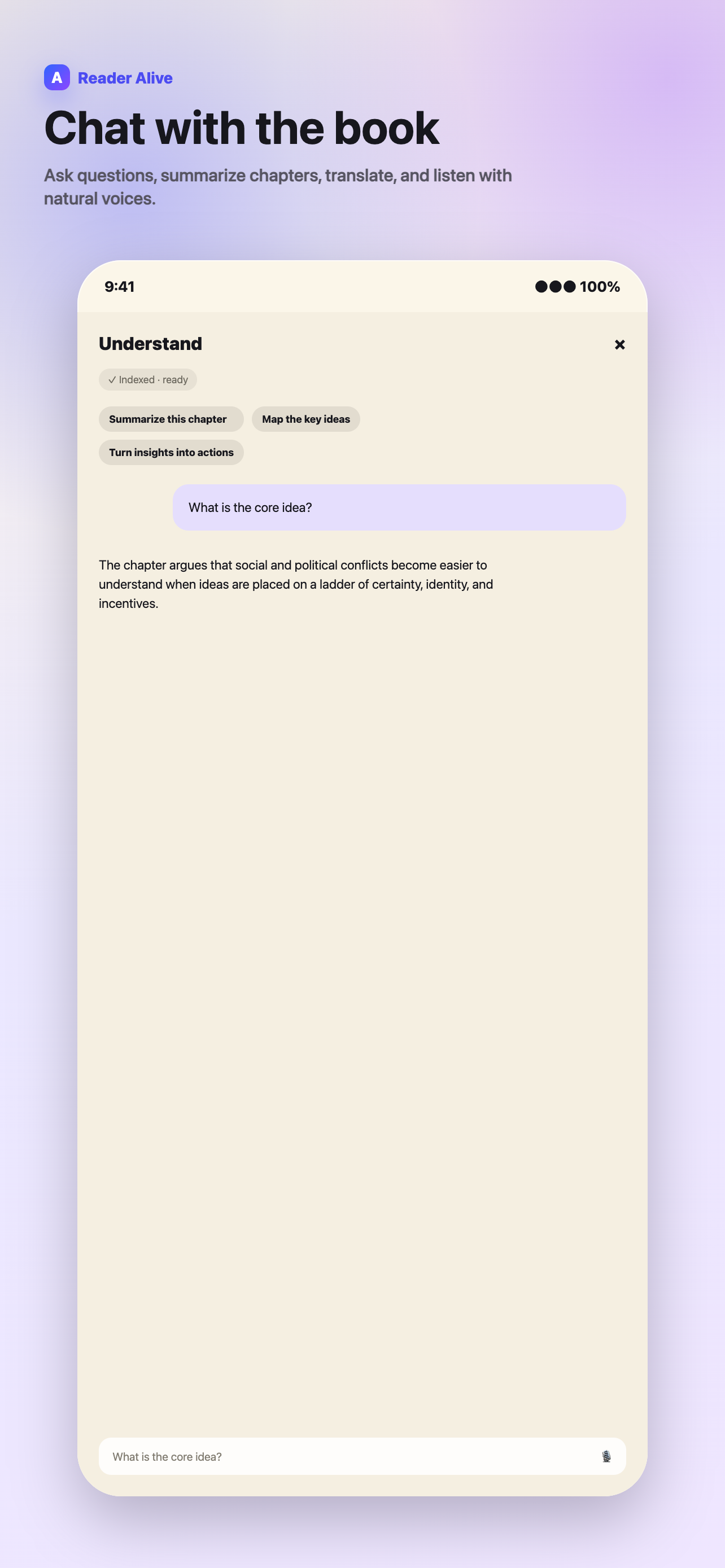
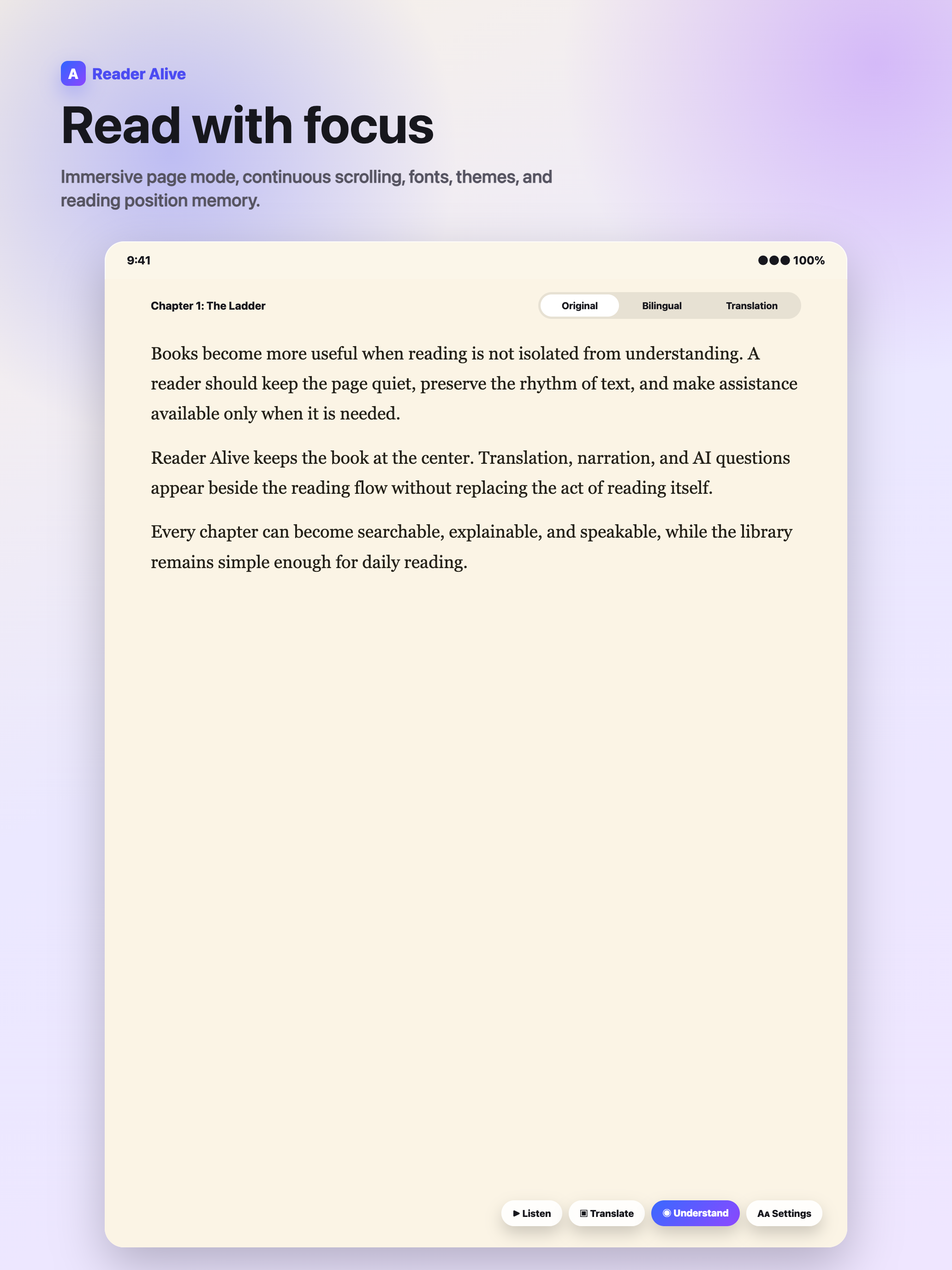
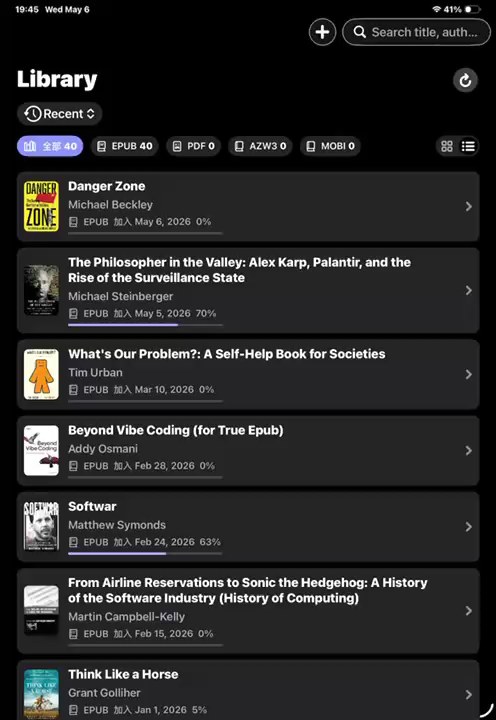
These views show how the feature fits into Reader Alive's real reading flow.
How to use it
-
Read the original first
Give yourself a chance to follow the sentence before translating it.
-
Select the blocking passage
Translate the word, sentence or paragraph that stops comprehension.
-
Use chapter translation selectively
Preview structure when needed, then return to the original for close reading.
-
Keep reading in place
Avoid copying text into another app and losing the book context.
Translation works best inside the reading flow
When you copy a passage into a separate translation app, you leave the book and lose your place. That friction matters. It interrupts the rhythm of reading and turns a small comprehension problem into a context switch.
Reader Alive keeps translation close to the page. You can translate selected text or a chapter when you need help, then continue reading in the same place.
Useful translation patterns
For language learning, selected-text translation is often better than translating everything. It lets you struggle productively with the original and check difficult sentences only when needed.
For research or nonfiction, chapter translation can help you preview structure before choosing which sections deserve careful reading.
Privacy and control
Translation is an explicit AI action. When you use it, the selected text or relevant excerpt may be sent to an AI service provider to complete that request.
That distinction is important: the app should not make every book an AI request by default. Reader Alive is designed so assistance happens when you ask for it.
How this fits into Reader Alive
Reader Alive is not only a translate books while reading. It is a reading environment for people who keep personal ebook files and want the same library to handle EPUB, PDF, MOBI and AZW3. That matters because real reading collections are rarely clean. A reader may have public-domain EPUBs, PDF course packets, older MOBI files, exported AZW3 books and research material saved from several devices.
The best way to evaluate the app is to import a few representative books rather than a perfect sample. Try one long EPUB, one PDF, one older file and one book in another language. That gives you a realistic sense of typography, navigation, AI assistance and whether iCloud continuity fits the way you move between iPhone and iPad.
Limits and honest expectations
There are also limits worth stating clearly. Reader Alive is intended for books and documents you can legally import and open. DRM-protected files may not work in third-party readers. Scanned or image-only PDFs can limit text-to-speech, summaries and book-aware questions because those features depend on usable text.
AI features are explicit actions. When you use translation, text-to-speech, summaries, voice input or book-aware chat, selected text, relevant excerpts, audio input or your question may be sent to AI service providers to complete that request. Ordinary reading and file storage are separate from choosing to use an AI feature.
For high-stakes reading, treat AI output as a map back to the text rather than the final answer. Summaries, timelines and explanations are useful because they help you reread more effectively, not because they remove the need to check the source.
What to check before choosing
Selective translation
For learning, translating only what blocks you usually works better than translating every line.
Context
The best translation workflow keeps the surrounding paragraph visible.
Privacy control
Translation should happen when you explicitly request it.
Translation use cases
- Foreign-language novels and nonfiction
- Academic chapters in another language
- Sentence-level language learning
- Quick context checks while reading
FAQ
Can Reader Alive translate EPUB books?
Yes. You can translate selected text and chapters in supported ebook content.
Can I translate only one passage?
Yes. Selected-text translation is designed for passage-level help.
Are translations offline?
AI translation requires a network connection because the request is processed by an AI service provider.
Reader Alive for iOS
Translate ebooks without leaving the page.
Use Reader Alive to translate selected passages and chapters while keeping the original book in view.