
Feature landing pages
EPUB Reader for iPhone and iPad
A focused EPUB reader for people who bring their own books and want translation, text-to-speech, summaries and book-aware questions in the same reading flow.
Who this is for
Choose this page if you have DRM-free EPUB files, research exports, public-domain books or publisher files that you want to read on iPhone and iPad without splitting them across multiple apps.
Product views
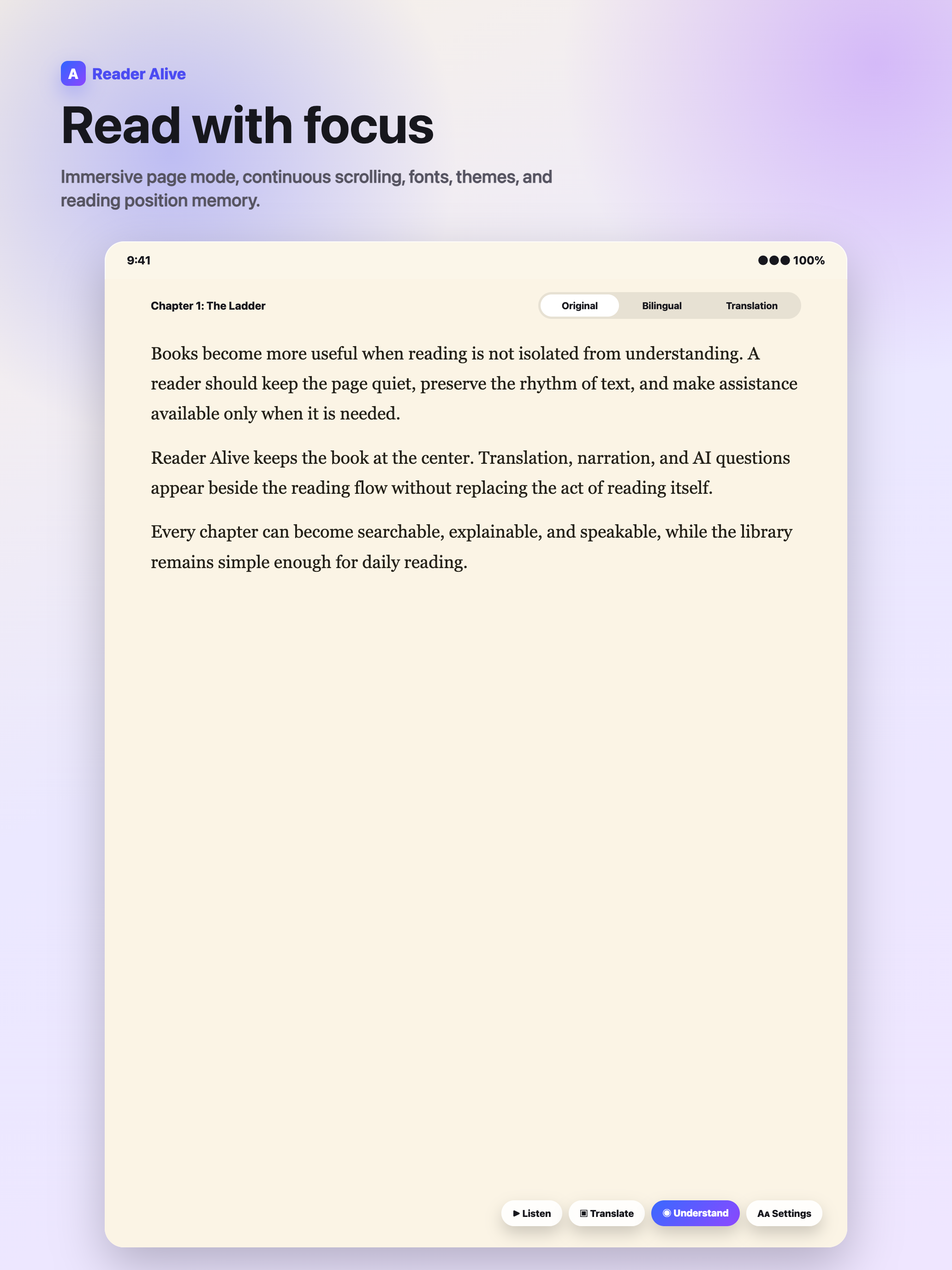
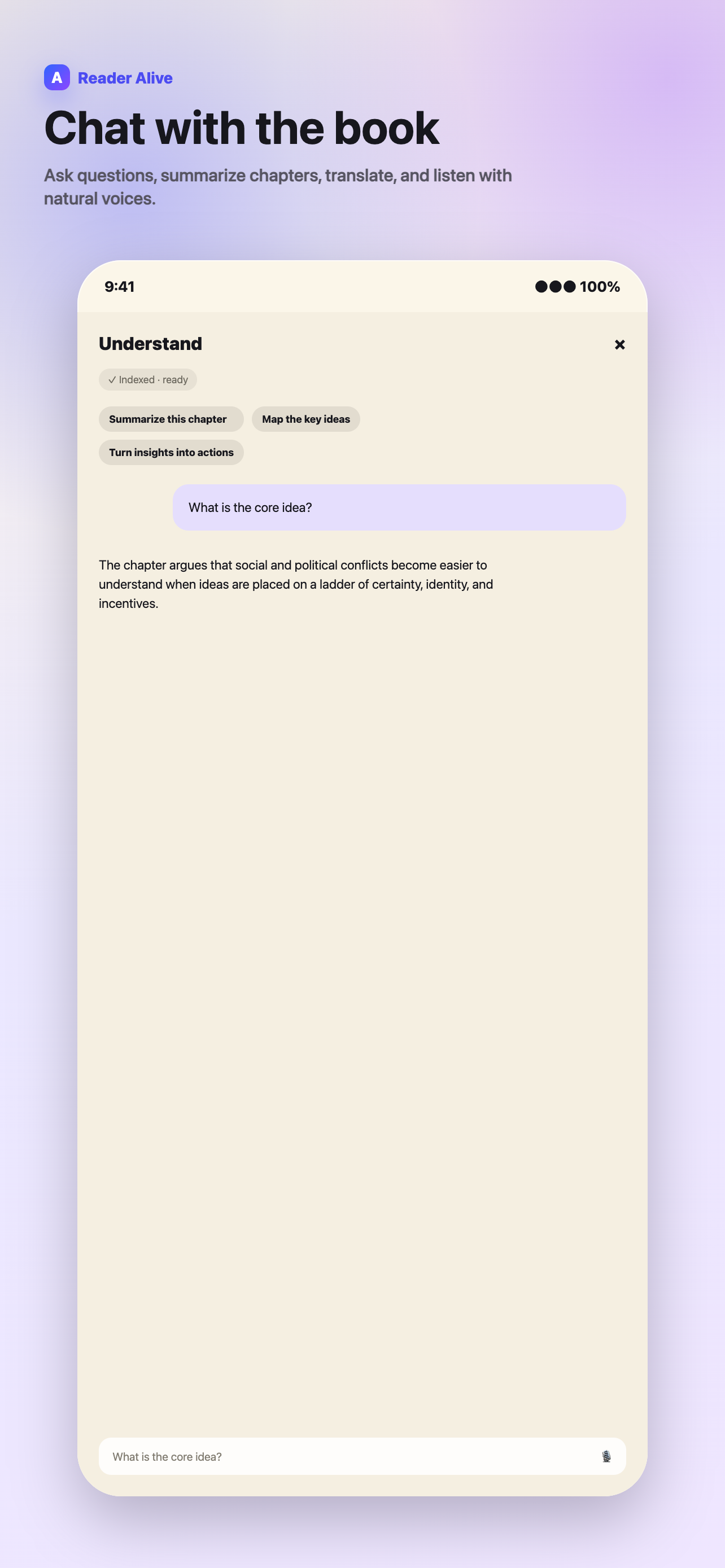
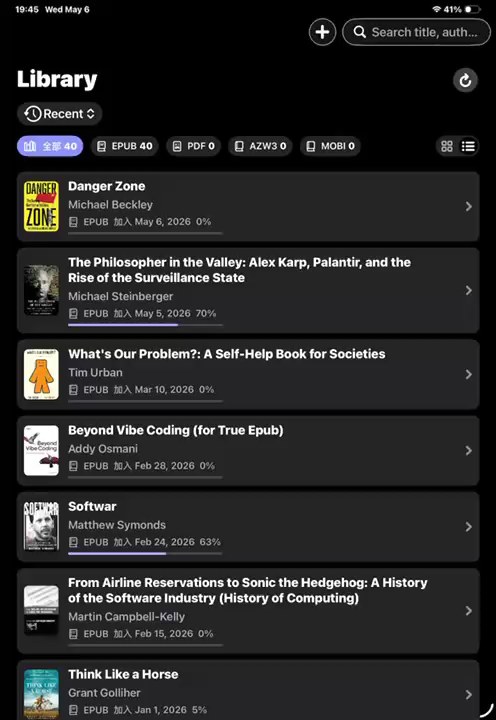
These views show how the feature fits into Reader Alive's real reading flow.
How to use it
-
Import a DRM-free EPUB
Use Files, AirDrop, Finder, iCloud Drive, Wi-Fi transfer or the iOS Share Sheet.
-
Tune the reading view
Adjust the reading mode before starting a long session so the book is comfortable on iPhone or iPad.
-
Use help only when needed
Translate a difficult passage, listen with TTS or ask about a chapter without copying text elsewhere.
-
Continue across devices
Use iCloud continuity to keep library and reading progress available on your own Apple devices.
Why EPUB readers still matter on iOS
EPUB is the most flexible ebook format for long-form reading because the text can reflow around your screen size, font choice and reading mode. That matters on iPhone, where a fixed layout can become tiring, and on iPad, where you may want larger margins or a split-screen workspace.
Reader Alive keeps the book at the center. You can import EPUB files into a library, keep reading position across your own Apple devices with iCloud continuity and use reading controls that are tuned for longer sessions rather than file management.
What Reader Alive adds to EPUB reading
Classic reading controls are only the base layer. Reader Alive also gives you selected-text translation, chapter translation, natural text-to-speech, chapter summaries, key ideas and book-aware chat. These tools are useful when an EPUB is dense, in another language or part of a study workflow.
The goal is not to replace reading with automation. It is to keep assistance close enough that you do not need to leave the page, copy text into another tool or lose your place in the book.
A practical EPUB workflow
Import the file from Files, AirDrop, Finder, iCloud Drive, Wi-Fi transfer or the iOS Share Sheet. Open it in Reader Alive, adjust the reading view, then use translation or TTS only when the book calls for it.
For nonfiction, summaries can help you preview a chapter before close reading. For fiction or foreign-language reading, translation and TTS are more useful as lightweight companions than as replacements for the text.
How this fits into Reader Alive
Reader Alive is not only a epub reader for iphone and ipad. It is a reading environment for people who keep personal ebook files and want the same library to handle EPUB, PDF, MOBI and AZW3. That matters because real reading collections are rarely clean. A reader may have public-domain EPUBs, PDF course packets, older MOBI files, exported AZW3 books and research material saved from several devices.
The best way to evaluate the app is to import a few representative books rather than a perfect sample. Try one long EPUB, one PDF, one older file and one book in another language. That gives you a realistic sense of typography, navigation, AI assistance and whether iCloud continuity fits the way you move between iPhone and iPad.
Limits and honest expectations
There are also limits worth stating clearly. Reader Alive is intended for books and documents you can legally import and open. DRM-protected files may not work in third-party readers. Scanned or image-only PDFs can limit text-to-speech, summaries and book-aware questions because those features depend on usable text.
AI features are explicit actions. When you use translation, text-to-speech, summaries, voice input or book-aware chat, selected text, relevant excerpts, audio input or your question may be sent to AI service providers to complete that request. Ordinary reading and file storage are separate from choosing to use an AI feature.
For high-stakes reading, treat AI output as a map back to the text rather than the final answer. Summaries, timelines and explanations are useful because they help you reread more effectively, not because they remove the need to check the source.
What to check before choosing
File support
Test several EPUBs, including one older file and one book with a long table of contents.
Reading comfort
Check typography, spacing, theme and whether long sessions feel calm.
Assistance quality
Try one translation, one summary and one question grounded in the current chapter.
Good fit for
- DRM-free EPUB files
- Public-domain books and study material
- Foreign-language EPUB reading
- Readers who want one library on iPhone and iPad
FAQ
Can Reader Alive open EPUB files on iPhone?
Yes. Reader Alive can import and read EPUB files on iPhone and iPad.
Can I translate an EPUB while reading?
Yes. You can translate selected text or chapters when you explicitly use translation features.
Does Reader Alive support text-to-speech for EPUB?
Yes. Reader Alive includes natural text-to-speech for long reading sessions.
Reader Alive for iOS
Read imported EPUB books with AI help close to the page.
Use Reader Alive for personal EPUB files that need focused reading, translation, text-to-speech, summaries and book-aware questions.