
Feature landing pages
AI PDF Reader with TTS and Summaries
Open PDF books and documents in the same reading library as your ebooks, then use AI assistance when a chapter, article or manual needs explanation.
Who this is for
This page is for readers who use PDFs as books: course notes, manuals, papers, reports, exported ebooks and long documents that deserve more than a file preview.
Product views
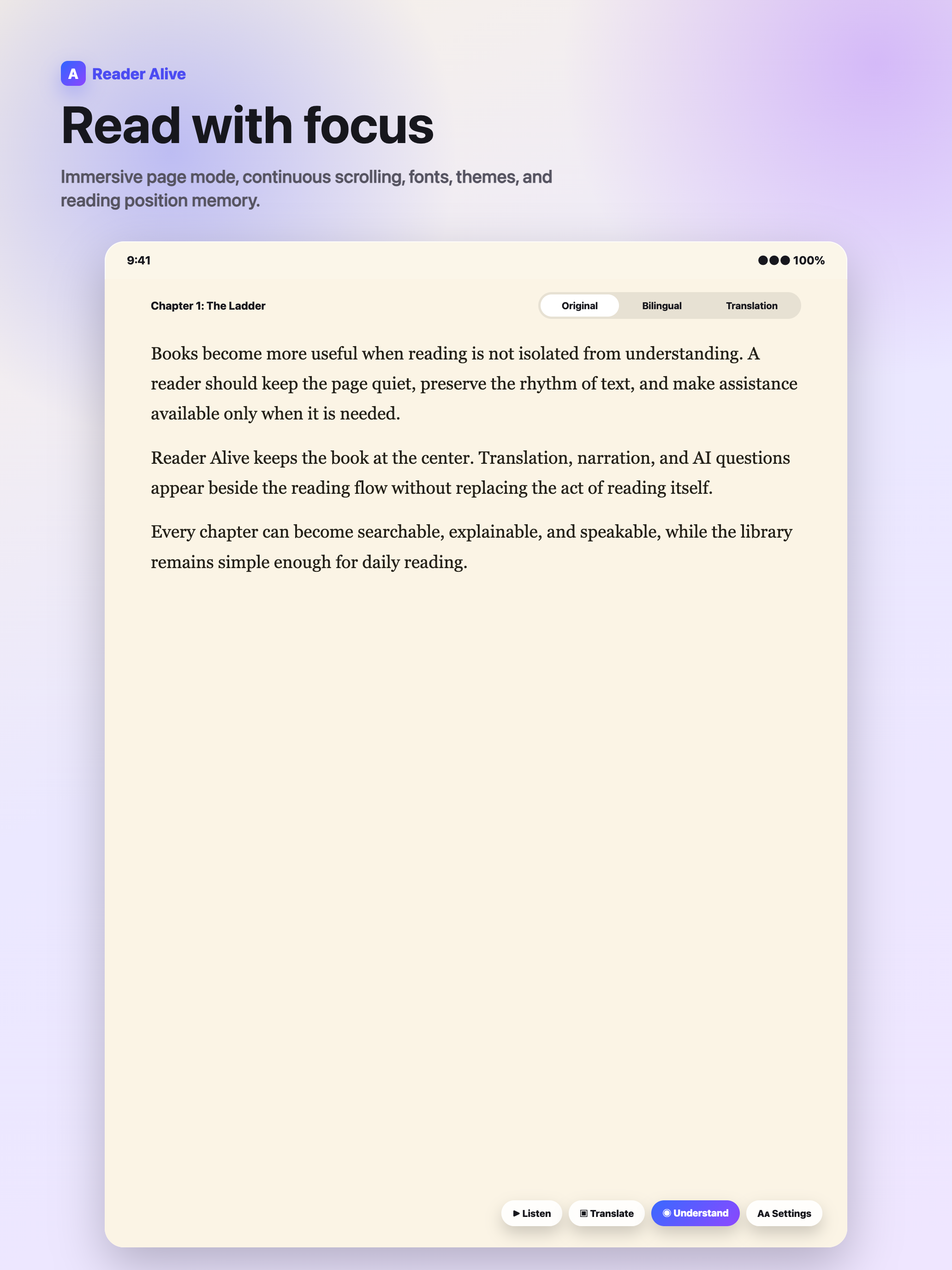
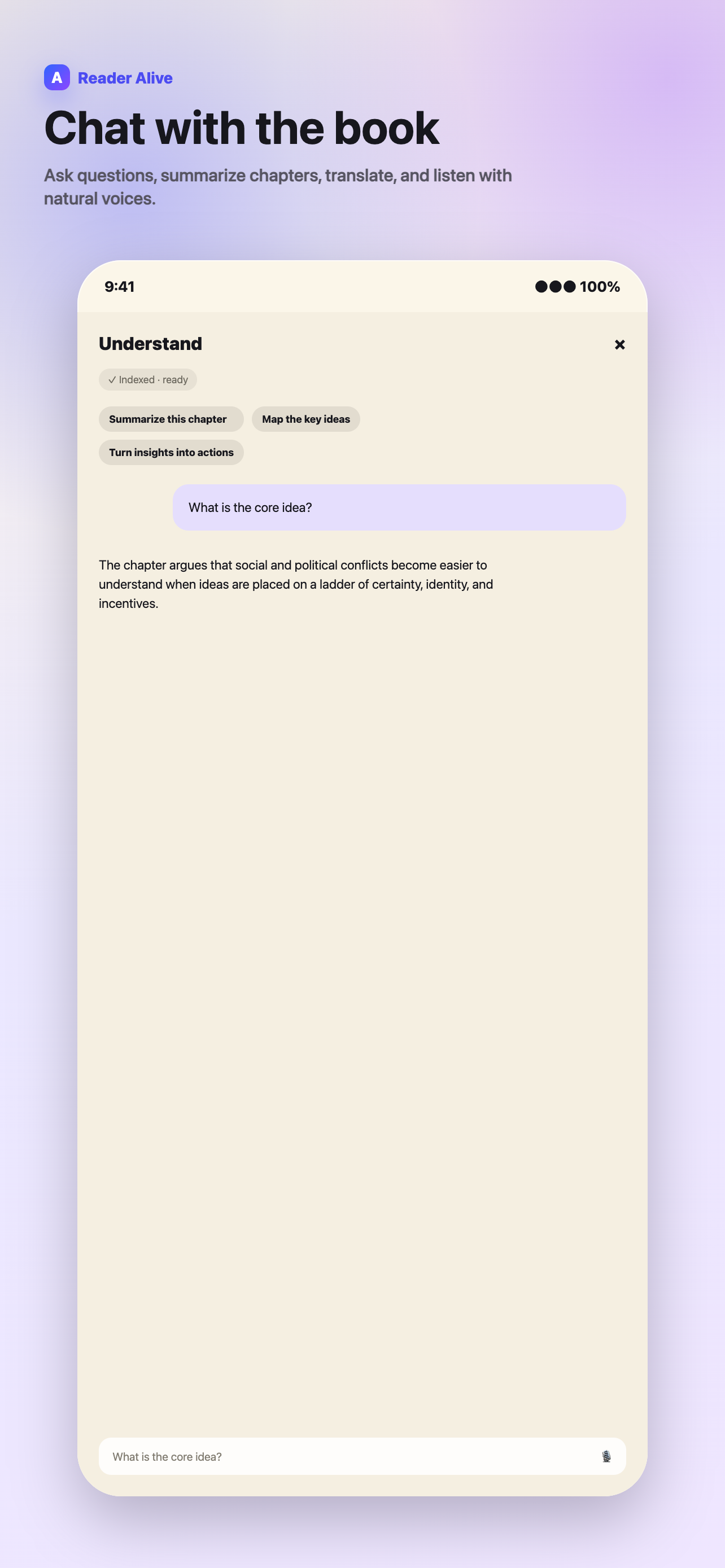
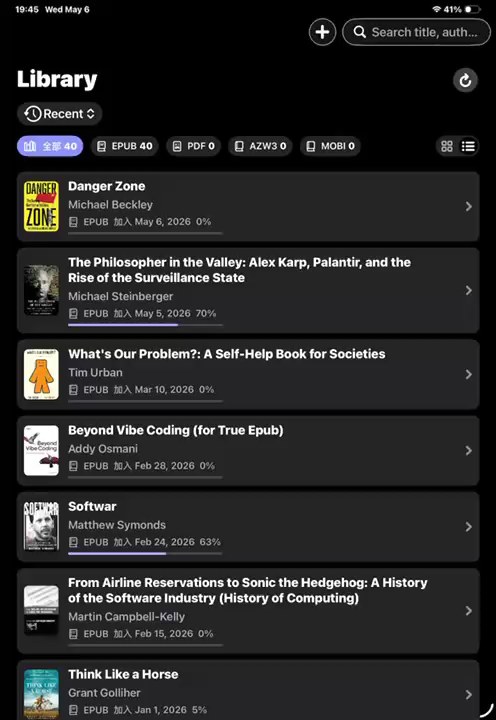
These views show how the feature fits into Reader Alive's real reading flow.
How to use it
-
Import the PDF
Bring the file from Files, AirDrop, iCloud Drive, Finder, Wi-Fi transfer or the Share Sheet.
-
Check the source text
Text-based PDFs work best for TTS, summaries and questions; scanned image-only PDFs may be limited.
-
Listen or summarize
Use TTS for long sections and summaries when you need a quick map of the document.
-
Ask targeted questions
Ask about the current section, not generic topics detached from the PDF.
PDF reading is different from EPUB reading
PDFs often preserve page layout, charts, footnotes and fixed formatting. That makes them reliable for reference material, but it can also make them harder to read on small screens. A useful PDF reader should help you stay oriented without forcing every document into the same pattern.
Reader Alive treats PDFs as part of your reading library. That means the same import paths, the same calm reading environment and the same AI reading tools are available when a PDF behaves like a book.
Using TTS and summaries with PDFs
Text-to-speech is helpful when you want to continue through a long PDF without staring at the screen. Summaries and key ideas are helpful when you need to understand a section before deciding whether it deserves close reading.
Reader Alive is especially useful for PDF material that is mostly text: essays, book chapters, reports, manuals and research notes. For heavily scanned or image-only PDFs, the quality of the source text determines how much AI assistance can do.
Where AI questions help
Book-aware questions are most useful when you have a concrete question: What is the main claim of this section? What terms should I understand before continuing? What does the author assume here?
The best workflow is to read first, then ask targeted questions that clarify the text you are already viewing. That keeps the answer grounded in the document instead of turning reading into a generic search session.
How this fits into Reader Alive
Reader Alive is not only a ai pdf reader with tts and summaries. It is a reading environment for people who keep personal ebook files and want the same library to handle EPUB, PDF, MOBI and AZW3. That matters because real reading collections are rarely clean. A reader may have public-domain EPUBs, PDF course packets, older MOBI files, exported AZW3 books and research material saved from several devices.
The best way to evaluate the app is to import a few representative books rather than a perfect sample. Try one long EPUB, one PDF, one older file and one book in another language. That gives you a realistic sense of typography, navigation, AI assistance and whether iCloud continuity fits the way you move between iPhone and iPad.
Limits and honest expectations
There are also limits worth stating clearly. Reader Alive is intended for books and documents you can legally import and open. DRM-protected files may not work in third-party readers. Scanned or image-only PDFs can limit text-to-speech, summaries and book-aware questions because those features depend on usable text.
AI features are explicit actions. When you use translation, text-to-speech, summaries, voice input or book-aware chat, selected text, relevant excerpts, audio input or your question may be sent to AI service providers to complete that request. Ordinary reading and file storage are separate from choosing to use an AI feature.
For high-stakes reading, treat AI output as a map back to the text rather than the final answer. Summaries, timelines and explanations are useful because they help you reread more effectively, not because they remove the need to check the source.
What to check before choosing
Text quality
Confirm that the PDF contains selectable text before relying on TTS or AI summaries.
Document type
Reader Alive is strongest for essays, manuals, reports, chapters and research notes.
Verification
Check important claims, figures and citations against the original PDF.
Use Reader Alive for PDFs when you need
- A calmer place to read long PDFs
- Text-to-speech for document reading
- Chapter or section summaries
- Questions grounded in the current text
FAQ
Can Reader Alive read PDF files?
Yes. Reader Alive can open PDF files alongside EPUB, MOBI and AZW3 books.
Can I listen to a PDF on iPhone?
Reader Alive includes text-to-speech tools for supported text content in PDFs.
Can Reader Alive summarize PDFs?
Reader Alive can summarize relevant text when you use its AI summary features.
Reader Alive for iOS
Turn long PDFs into readable, listenable documents.
Use Reader Alive to read, listen to, summarize and question PDF books and documents on iPhone and iPad.